The WXJ and WXE courses at SixHack Academy bring together everything needed for offensive security training in a single environment: a theory manual, module-based videos, hands-on labs with dedicated containers, a discussion forum, and a certification exam with a built-in scheduler. This guide covers how the classroom is organized and what each section offers.
The classroom: five sections from one screen
When accessing the course, the classroom is organized into five tabs at the top: Theory, Videos, Labs, Forum, and Exam. All sections are accessible from the same place without leaving the platform or managing external tools.
Theory
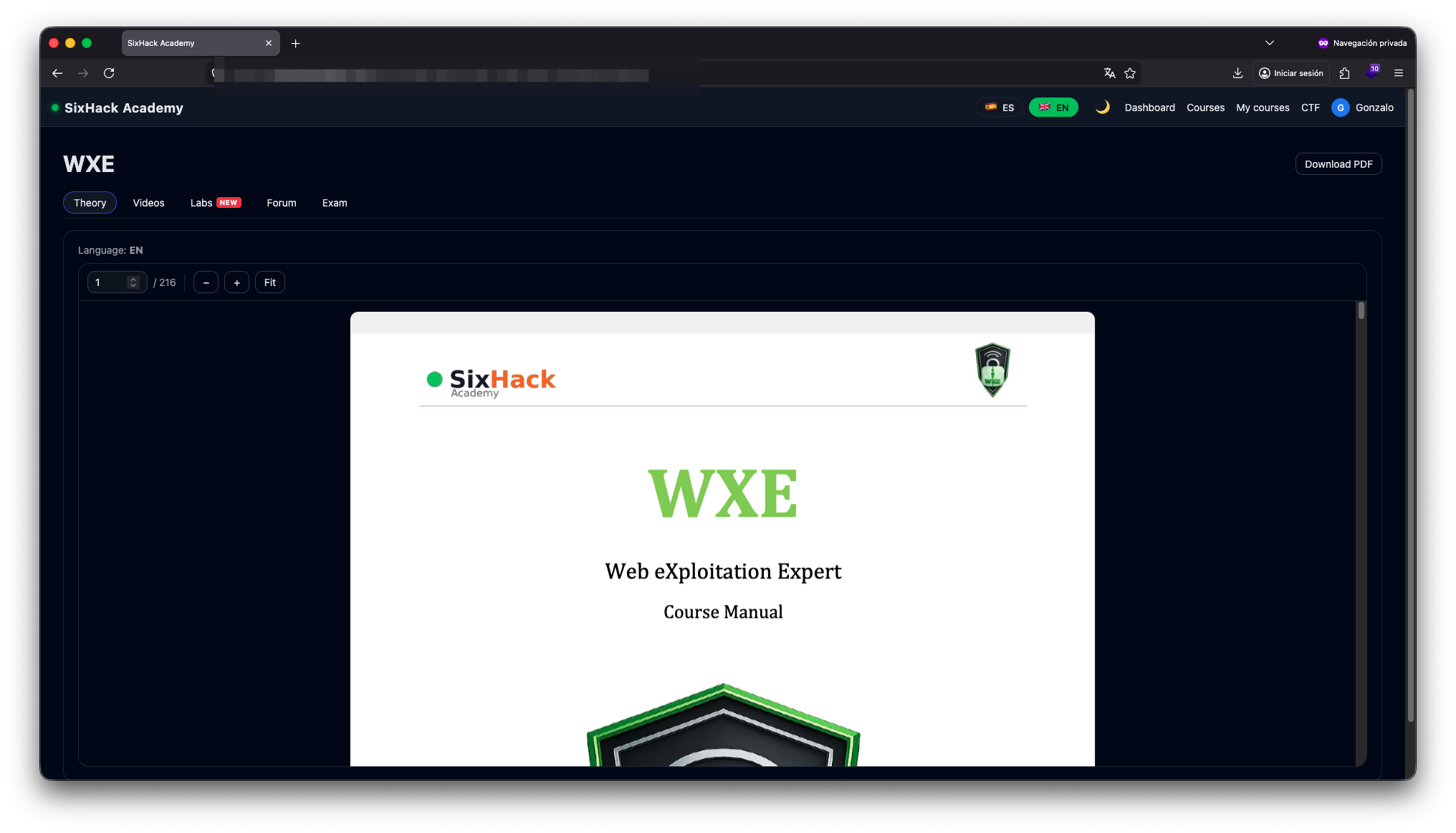
The Theory tab contains the complete course manual in PDF format. The document is readable directly in the browser with page navigation and zoom controls, and is available for download at any time for offline reference.
Videos
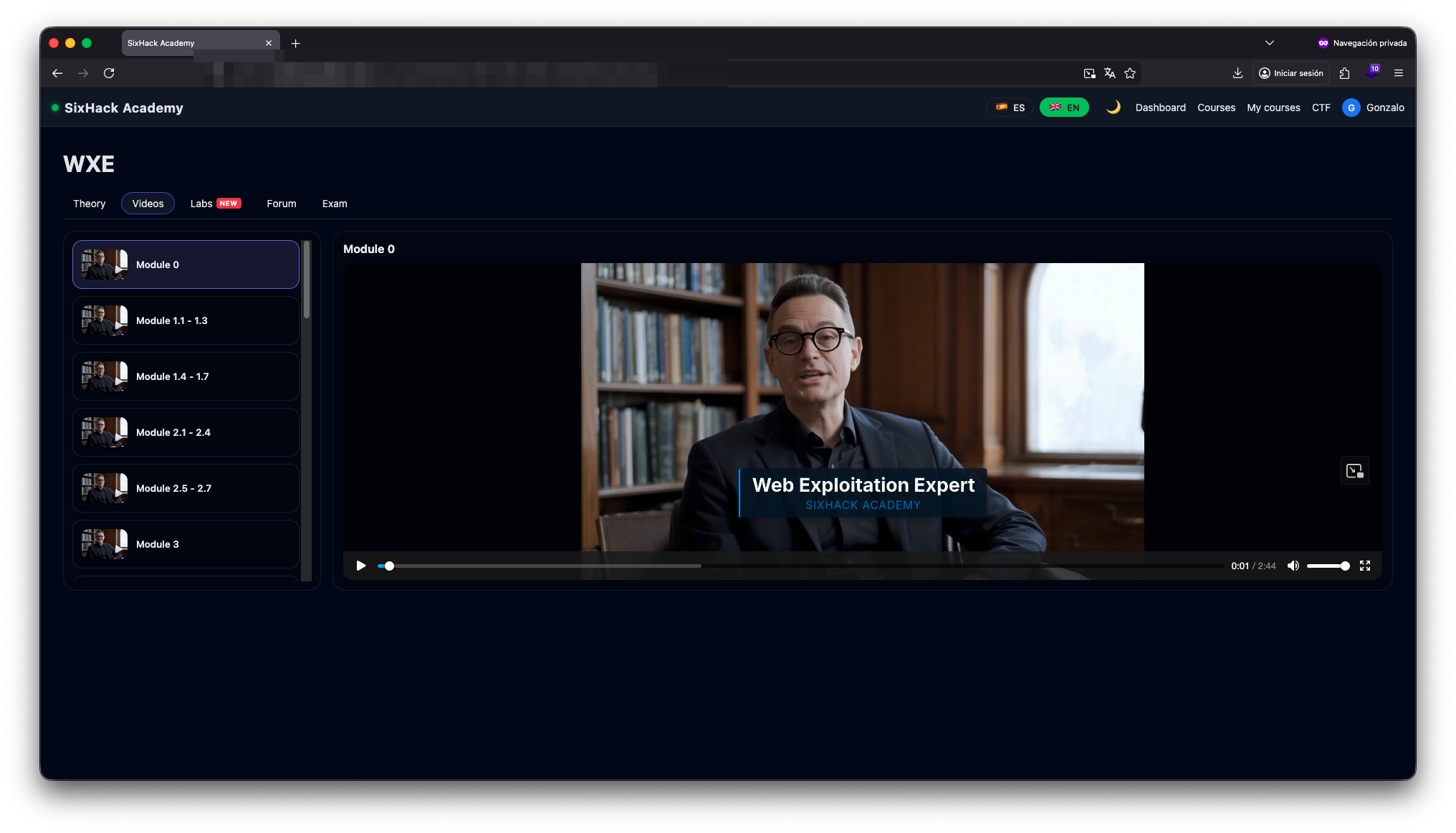
The Videos section organizes all audiovisual content by module. Modules are listed in the left sidebar panel, allowing students to follow the syllabus sequentially or jump directly to any section independently.
Labs: hands-on labs with dedicated environments
The Labs tab is the core section of the course. Each lab is presented as an individual card with a name, description, and resolution type. Clicking Launch deploys a dedicated environment exclusively for the student, ready to use immediately.
The environment URL and password appear directly on the card once the instance is running — no external panel required. The environment stays active for 4 hours and can be relaunched at any time with no attempt limit. Only one environment can be active at a time.
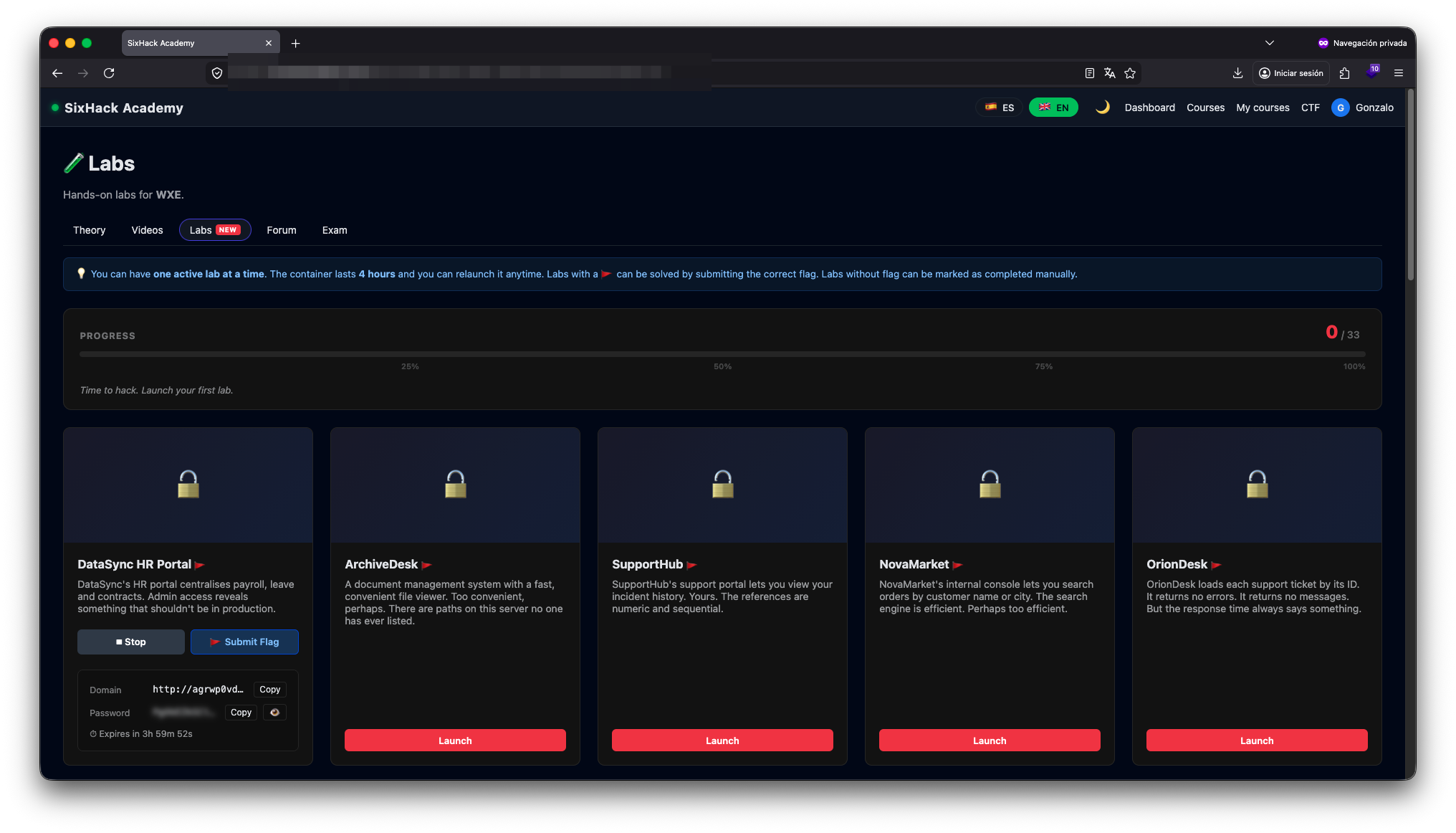
Labs come in two types:
- Flag labs — identified with the 🚩 icon. The environment contains a hidden flag in
SIXHACK{...}format that the student must locate and submit through the platform to mark the lab as complete. Verification is automatic. - No-flag labs — designed for techniques without a single verifiable outcome. The student marks them as complete manually once the objective has been reached.
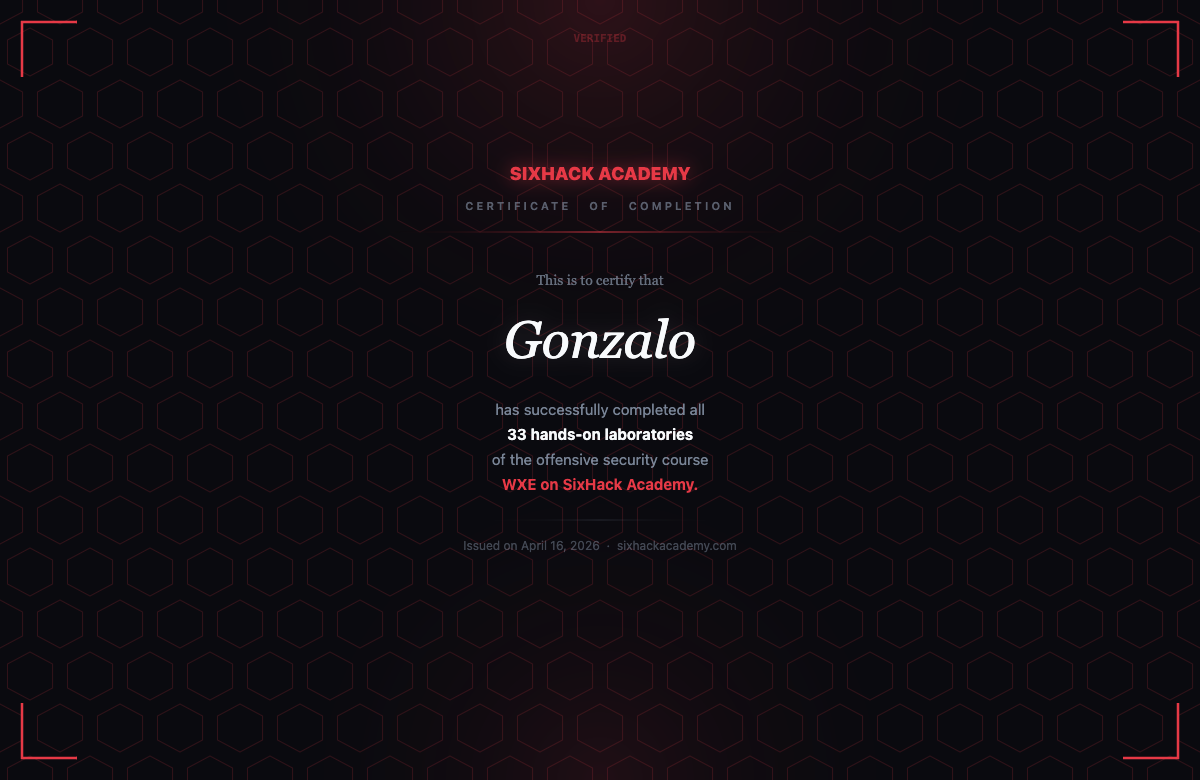
At the top of the section, a progress bar shows how many labs have been completed out of the course total. Completing 100% unlocks a labs certificate separate from the exam certificate.
Forum
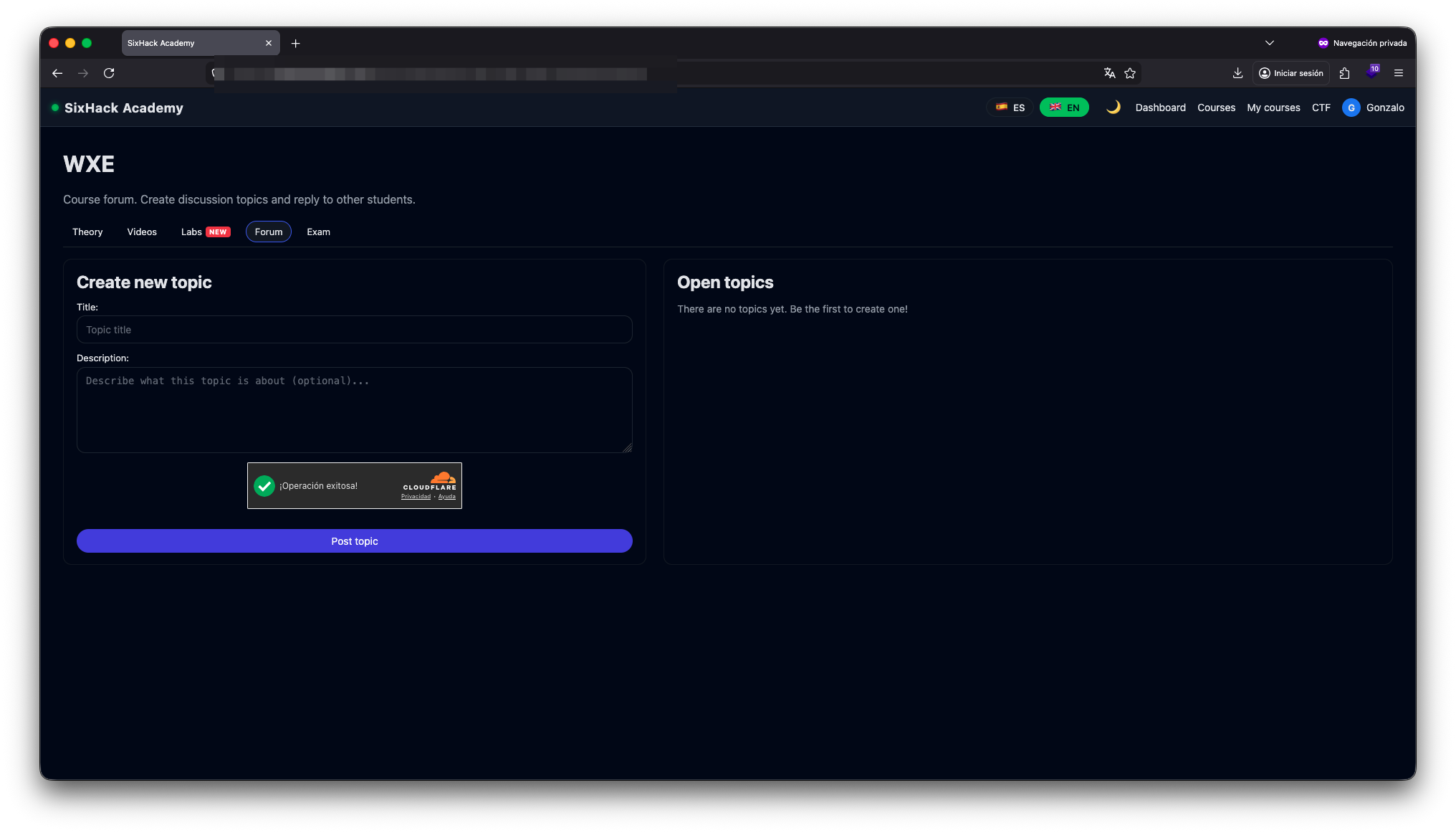
The Forum tab gives access to the course's own discussion forum. Students can open threads, ask questions about specific labs, and respond to other students. The forum operates on a hints, not solutions principle: the goal is to guide students toward the answer independently.
Certification exam
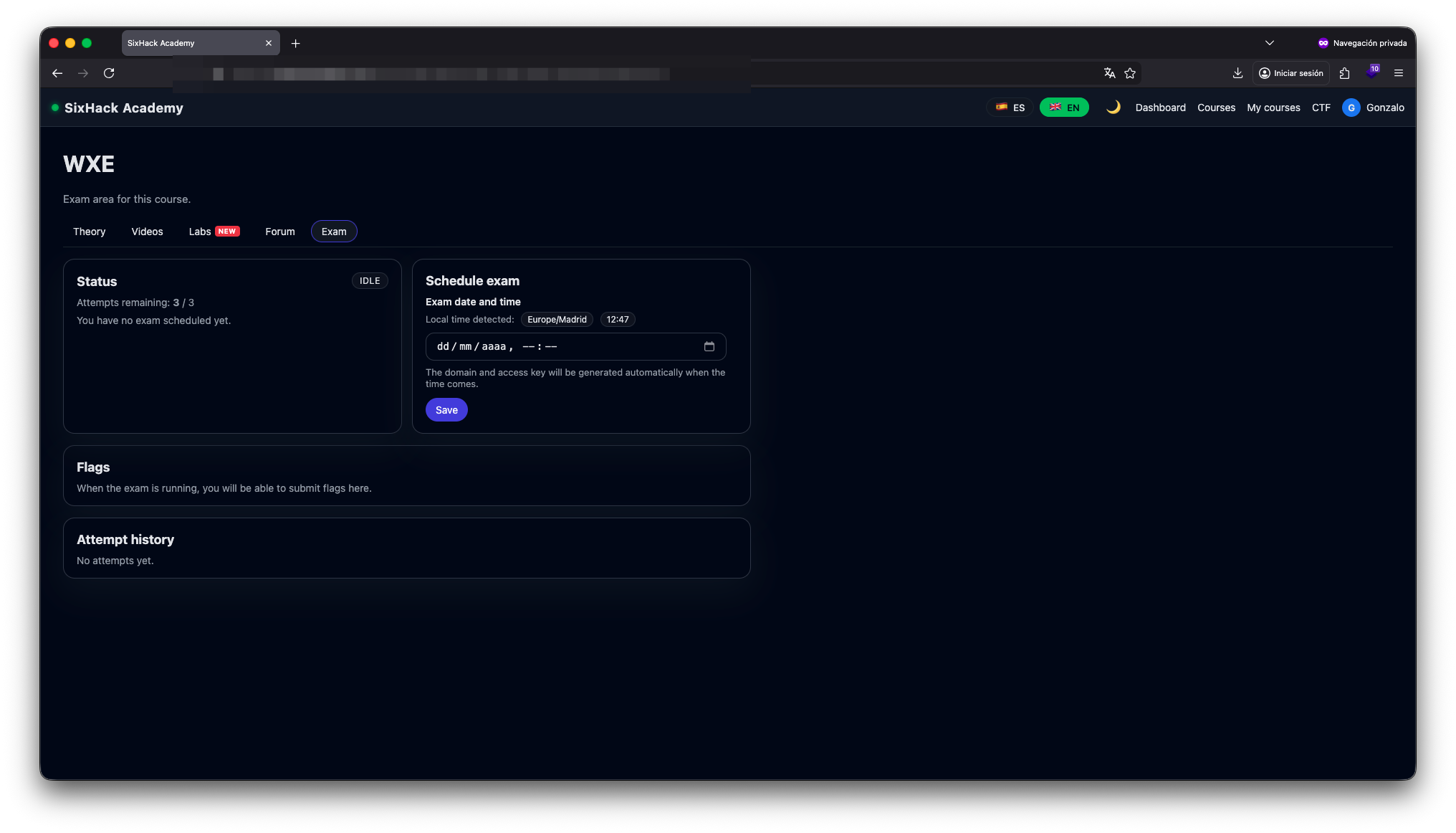
The Exam tab gives access to the official certification assessment. Students choose the date and time they want to take the exam using a built-in scheduler — the exam environment is generated automatically at the scheduled time. 3 attempts are available, and each attempt is recorded in the history log. Flags obtained during the exam are submitted directly from the same tab.
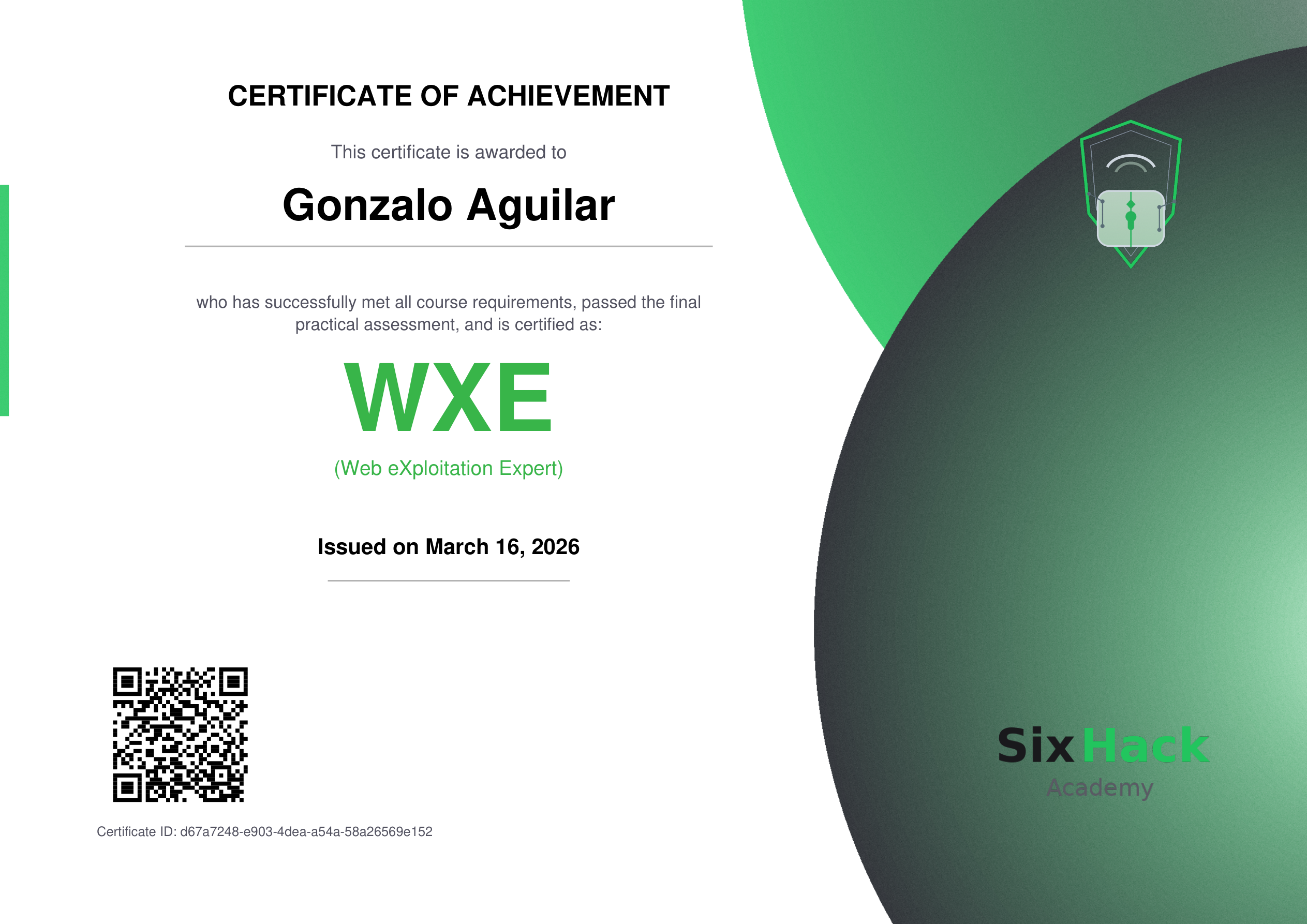
Passing the exam awards the WXE certificate (Web eXploitation Expert), verifiable via QR code with a unique certificate ID. This certificate is independent of the labs certificate: both can be obtained separately.
The WXJ and WXE courses are available at sixhackacademy.com.