We've just launched MXS, Mobile eXploitation Specialist, the new SixHack Academy certification focused on offensive auditing of mobile applications. It's a course designed for you to learn how to audit Android apps from scratch, with rigor, evidence and method, so you end up able to face a real application, map it, test it and document it just like in a professional pentesting engagement.
In this article we'll walk you through what you'll find inside MXS, how the classroom is organized and, above all, how we built the lab so that every student gets their own isolated environment, with their own internal APK and domain. This last point was non-negotiable for us: we don't want students stepping on each other's work, nor one person's solution spoiling the experience for the next. Every account gets its own lab.
What MXS is
MXS is the academy's first certification focused on mobile security. The goal is for you to understand how an Android application works under the hood, learn to interpret how it talks to its API, and become able to spot common vulnerabilities, validate them with a reproducible proof and document them clearly. We'll work with the same auditing approach you'd see in a real pentesting team: first set up the environment and map the application, then identify inputs, flows and sensitive points, and from there formulate hypotheses and confirm them with evidence.
A large share of the risk in mobile isn't in the app itself but in how the backend validates what the app asks for. That's why the course puts so much focus on auditing the API behind it, on sessions, tokens, access control, broken authorization, IDORs and business logic flaws. You'll also work mobile-specific surfaces like local storage, deep links, WebViews, inter-component communication and risks coming from third-party SDKs.
Who this course is for
MXS is designed for people who want to get started in mobile pentesting without prior experience and reach a level where they can audit a full app with judgment. It's a great fit if you come from web security and want to bring your methodology over to mobile, if you're studying and need a solid base to start auditing real applications, or if you come from mobile or backend development and want to understand why these flaws happen, how to verify them and how to fix them properly. You don't need to know how to program Android: whatever you need, you'll learn during the course.
Inside the classroom
The format is the same one you already know from WXJ and WXE: a theory manual in PDF so you always have a written reference, videos organized by modules for the concepts that are easier to grasp by watching, hands-on labs with your dedicated environment, a discussion forum and a final certification exam. The difference with the web courses is that here the lab includes the personalized APK and per-student internal domain that we'll cover just below.
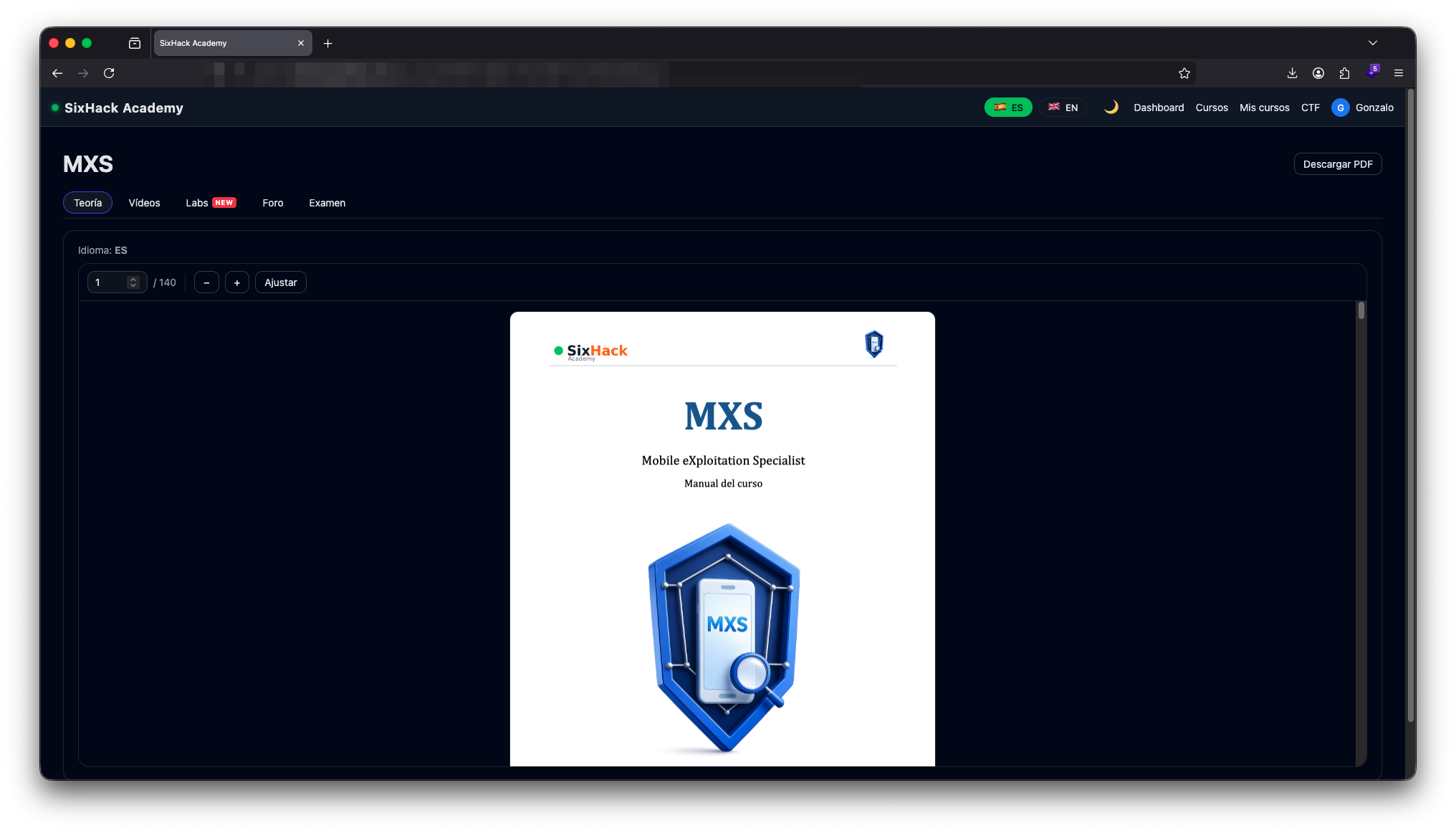
The course manual is 140 pages that develop the theory in order and walk through it with examples. It's embedded inside the classroom and also downloadable as a PDF so you can consult it offline.
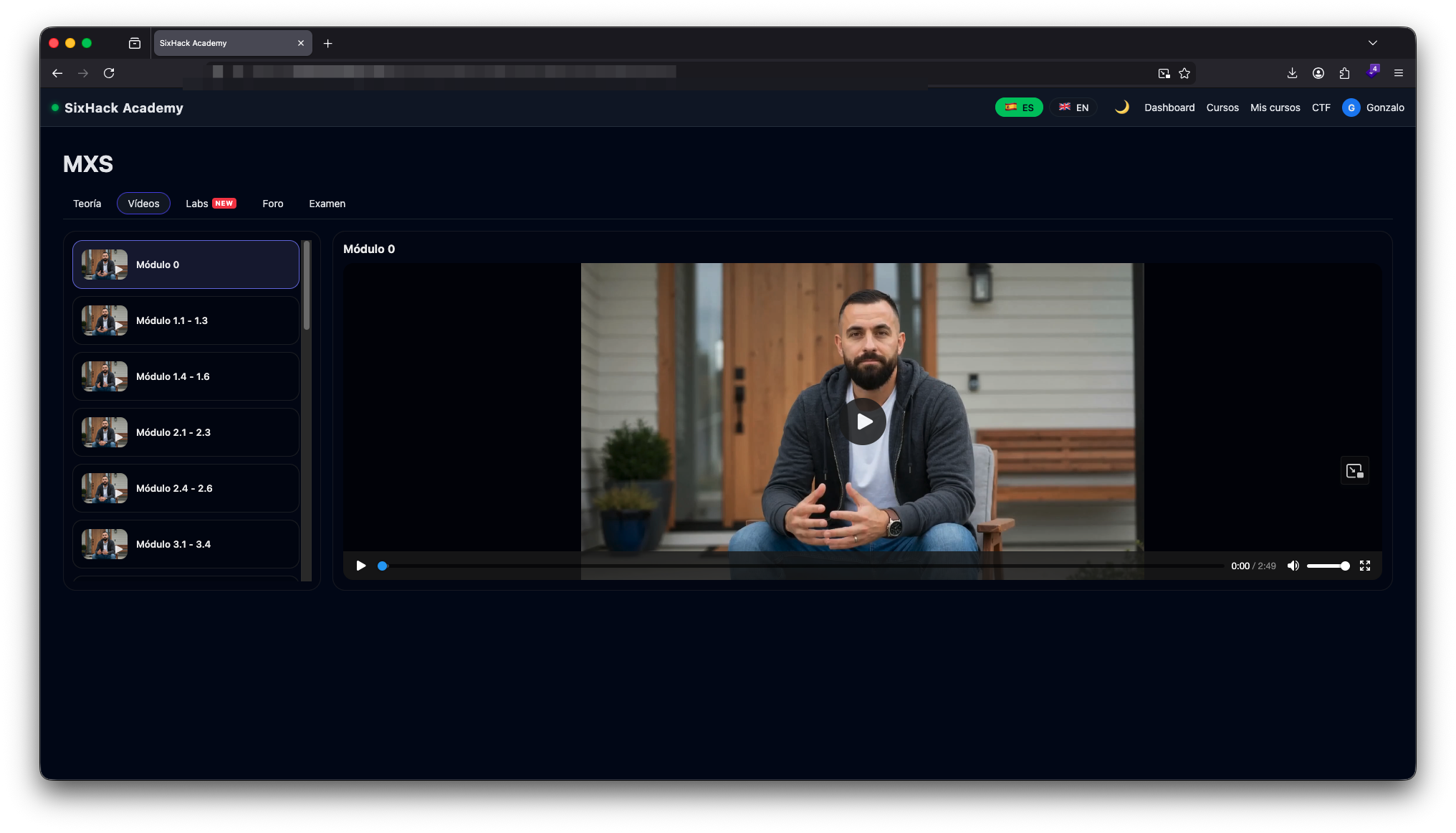
The videos are organized by modules following the same order as the manual, so you can switch between reading and watching depending on the topic. Some concepts, especially those related to environment setup, tooling and live demos, are much easier to grasp by watching.
A unique lab for every student
This is the part we cared about the most. When several students share the same lab, two things tend to happen: the first one to solve it spoils the challenge for the next, and the platform itself can no longer reliably verify who actually found what. That's why in MXS every student gets their own isolated environment.
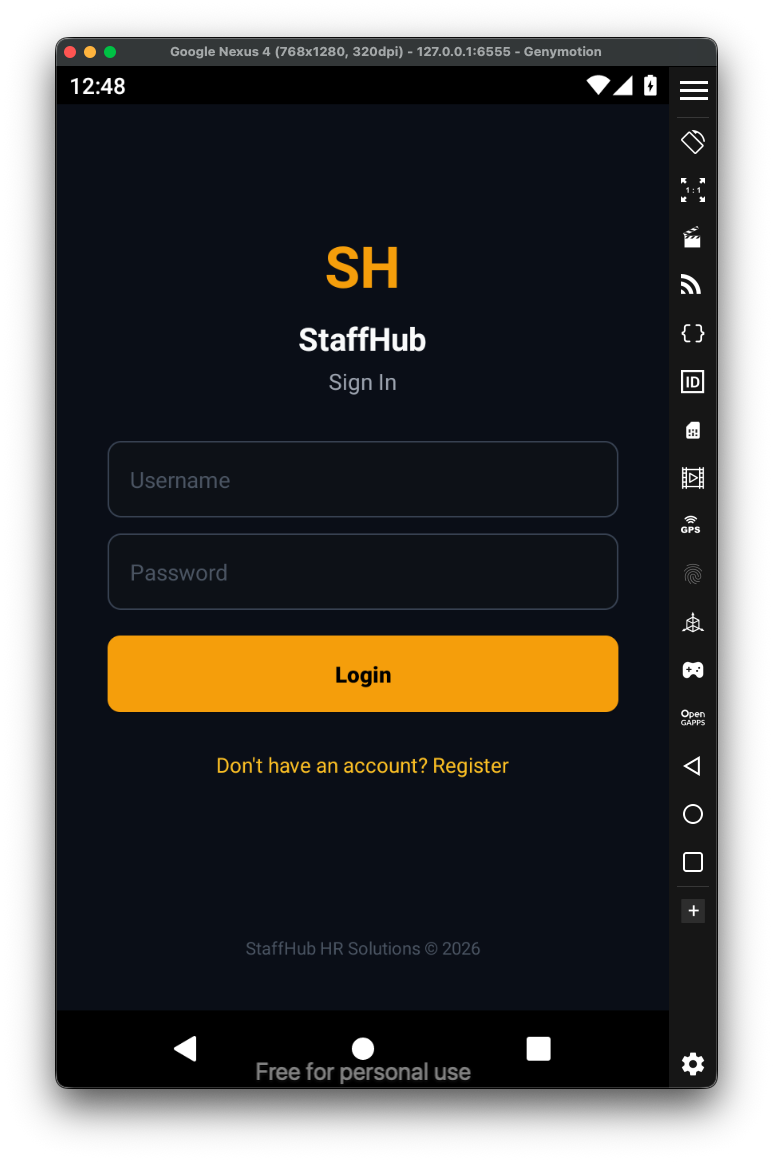
The MXS lab is made up of 16 challenges spread across realistic applications: an HR management app (StaffHub), a network tools suite (NetTools), an enterprise chat (TeamChat), a bug tracker (BugHive), a delivery app (QuickBite) and more. Each lab is designed to practice a specific surface and reinforce what you've seen in the theory.
You can only have one lab active at a time, and each instance lasts four hours. You can relaunch it as many times as you want. Challenges with a flag are solved by submitting the correct code from the platform itself, and the ones without a flag can be marked as completed manually when you finish the practice.
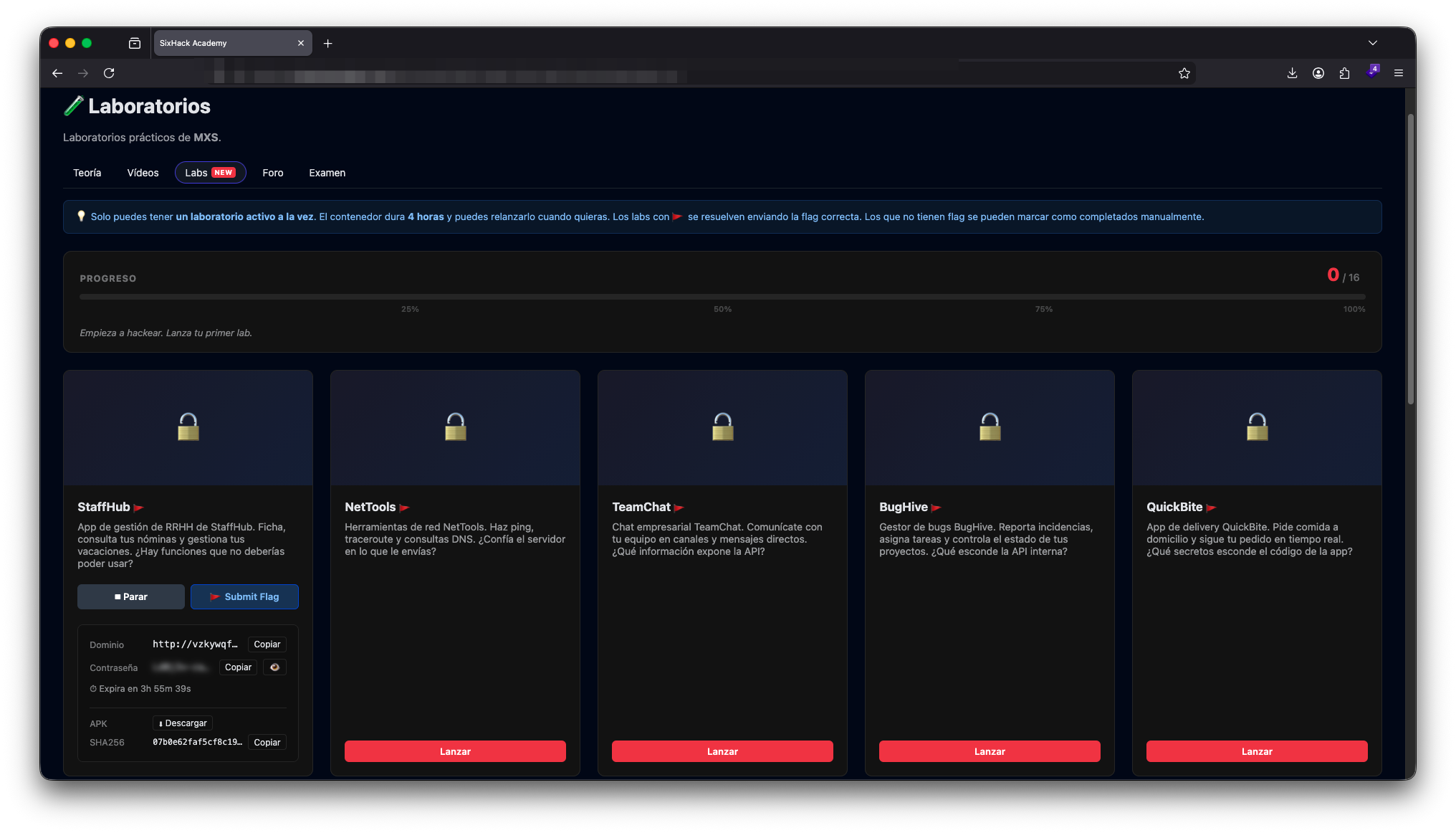
When you launch a challenge, the platform generates an APK specific to your account and points it to a unique internal domain assigned to your user. The APK another student downloads is not the same as yours, and neither is the backend it talks to. That means every flag, every credential and every IDOR you discover in your instance is real for you and only for you, with no spoilers or collisions with anyone else's work.
The workflow is simple. You download the lab's APK, install it on your emulator or device and open it. The first thing you'll see is the SixHack Lab screen, where you enter the unique domain and access key the platform has assigned to you. That's the piece that connects your app to your private backend instance.
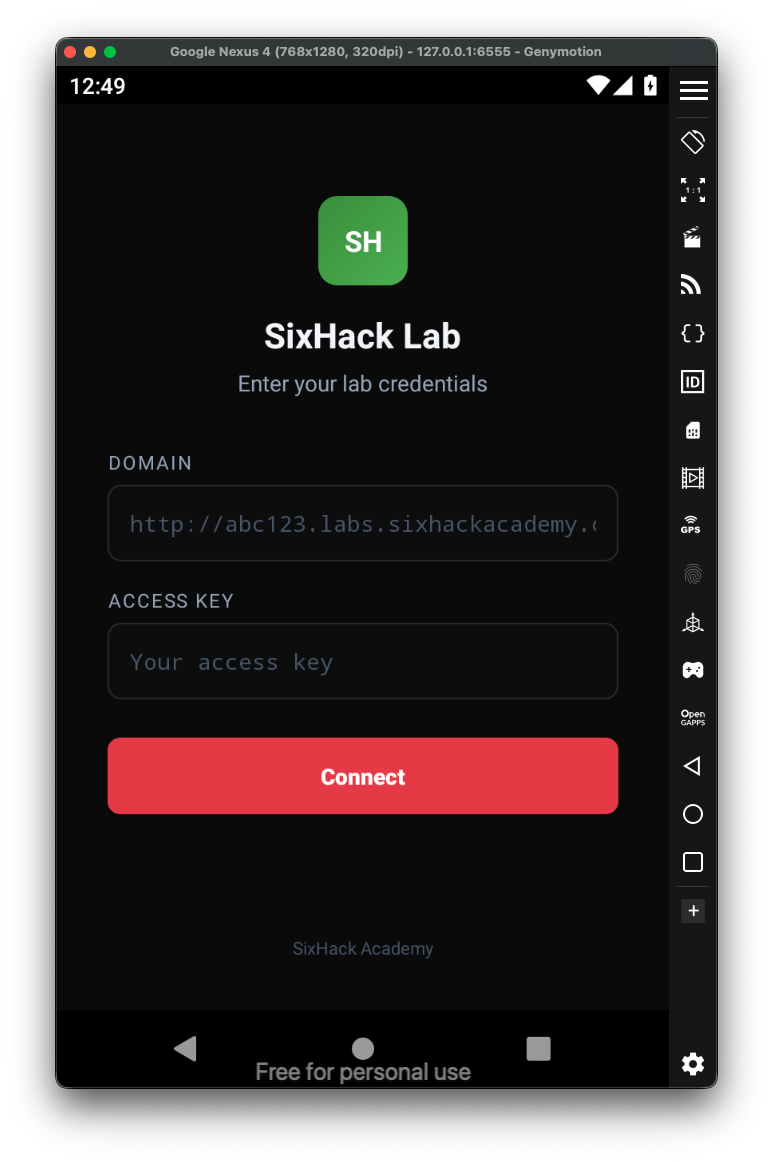
Once connected, the APK behaves like a real app installed on the device. From there the auditing work begins: intercepting traffic with your proxy, analyzing the code with jadx or MobSF, mapping the API, registering users, probing authentication and authorization, playing with the business flows and looking for where it really hurts.
Working this way has an effect that isn't obvious at first: it forces you to actually audit. You can't copy a classmate's flag or assume that a vulnerable endpoint will still be vulnerable in another account, because the routes, the IDs and the tokens are different. What you learn is the method, not a memorized solution. And that's exactly what we wanted.
What you'll learn
We start with the fundamentals that are actually used in a mobile audit. You'll see how to set up a testing environment with an emulator or a physical device, how to configure your proxy to intercept traffic, how to analyze an APK with tools like jadx and MobSF, and how to build a real map of the API from the calls the app makes. That map is the foundation for everything that comes next.
Then we move into communications in a practical way. Routes, parameters, sessions, authentication, tokens, TLS and the details that usually make the difference when something "looks off" but you still don't know where to pull the thread. You'll learn to spot access control patterns and to test authorization with a method, because in mobile it's very common for the most critical flaws to live on the API side rather than the client.
You'll work with manual auditing tools the way they're used in the real world, and we'll complement them with utilities for static analysis and triage that help you gain speed without losing rigor. You'll also learn to think like an auditor: where to look first, how to prioritize, which signals truly matter and how to avoid intuition-based conclusions when there's still no proof.
Vulnerabilities you'll practice
Throughout the course you'll practice typical cases such as information exposure and insecure configurations, parameter and state tampering, authentication flaws and business logic issues. You'll go deep into access control and into IDOR or broken authorization scenarios, alongside systematic testing on sessions and tokens. You'll also work mobile-specific surfaces like sensitive data exposure in local storage, deep links and universal links, WebViews, inter-component communication and the usual risks coming from third-party SDKs. The goal will always be the same: reach a reproducible proof with clear evidence.
Ethical framework
MXS is taught with a strictly educational purpose. Everything you learn is meant to be applied in labs, on systems you own or on systems you have explicit permission to test. The goal is to learn how to audit and improve the security of mobile applications, not to cause harm or access information without authorization.
Get started with MXS
If you've been waiting for the right moment to make the jump to mobile, this is it. MXS is now available in the catalog and you can head to the course page, download the full index and enroll whenever you want. See you inside the lab.